
The National Academic Depository (NAD) is a digital system integrated with DigiLocker that allows students to securely store, access, and share their academic certificates online. Through NAD, documents such as mark sheets, degree certificates, and academic records can be verified electronically by institutions and employers, reducing the need for physical copies and making the verification process faster and more reliable. To generate an NAD ID, students must first create a DigiLocker account using their mobile number and Aadhaar details. After successfully signing in to DigiLocker, they can access the NAD services section, complete the required verification process, and activate their NAD account. Once activated, the NAD ID is generated automatically and can be used to access digitally issued academic records.
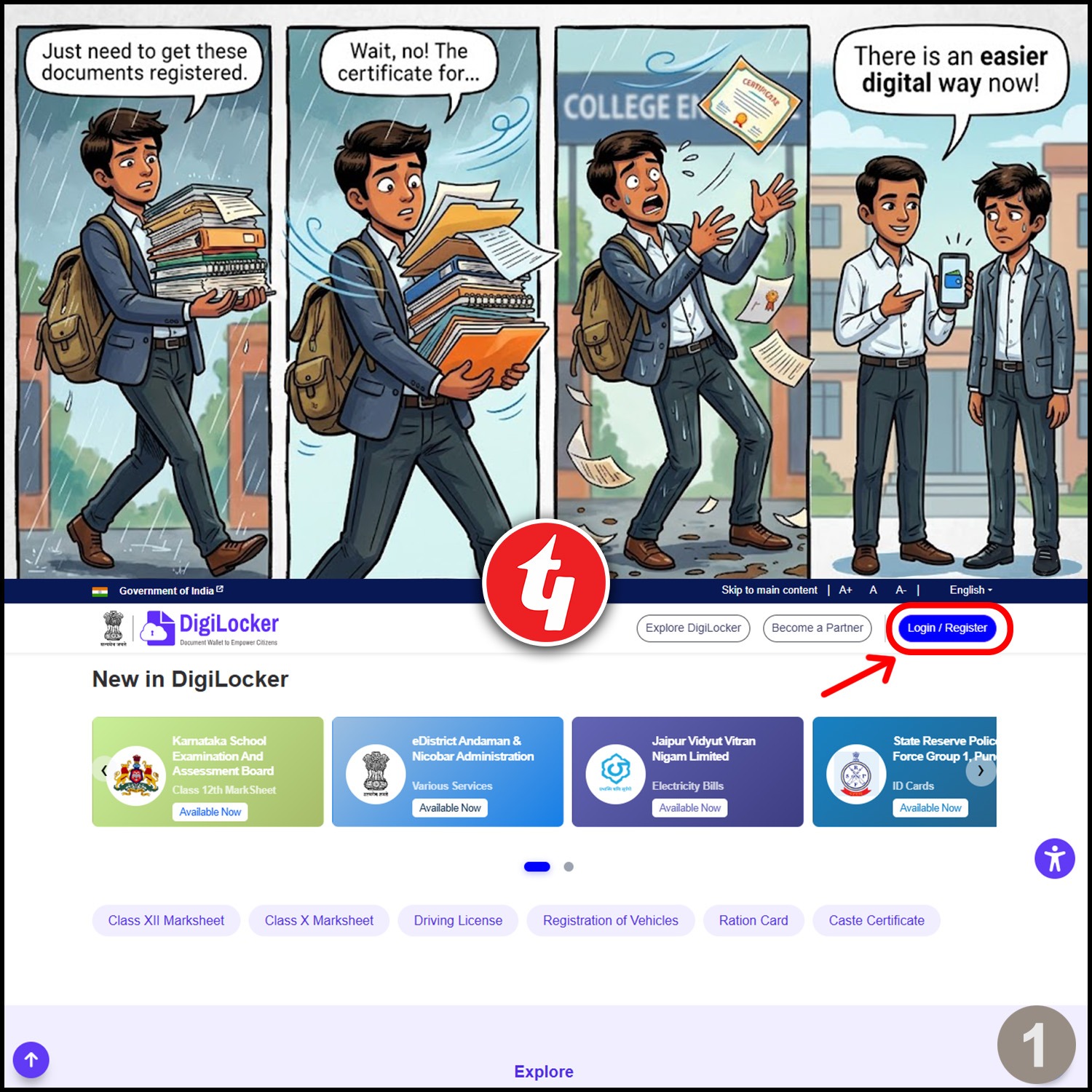
Open the DigiLocker website and click on Login/Register to begin your NAD ID registration process.
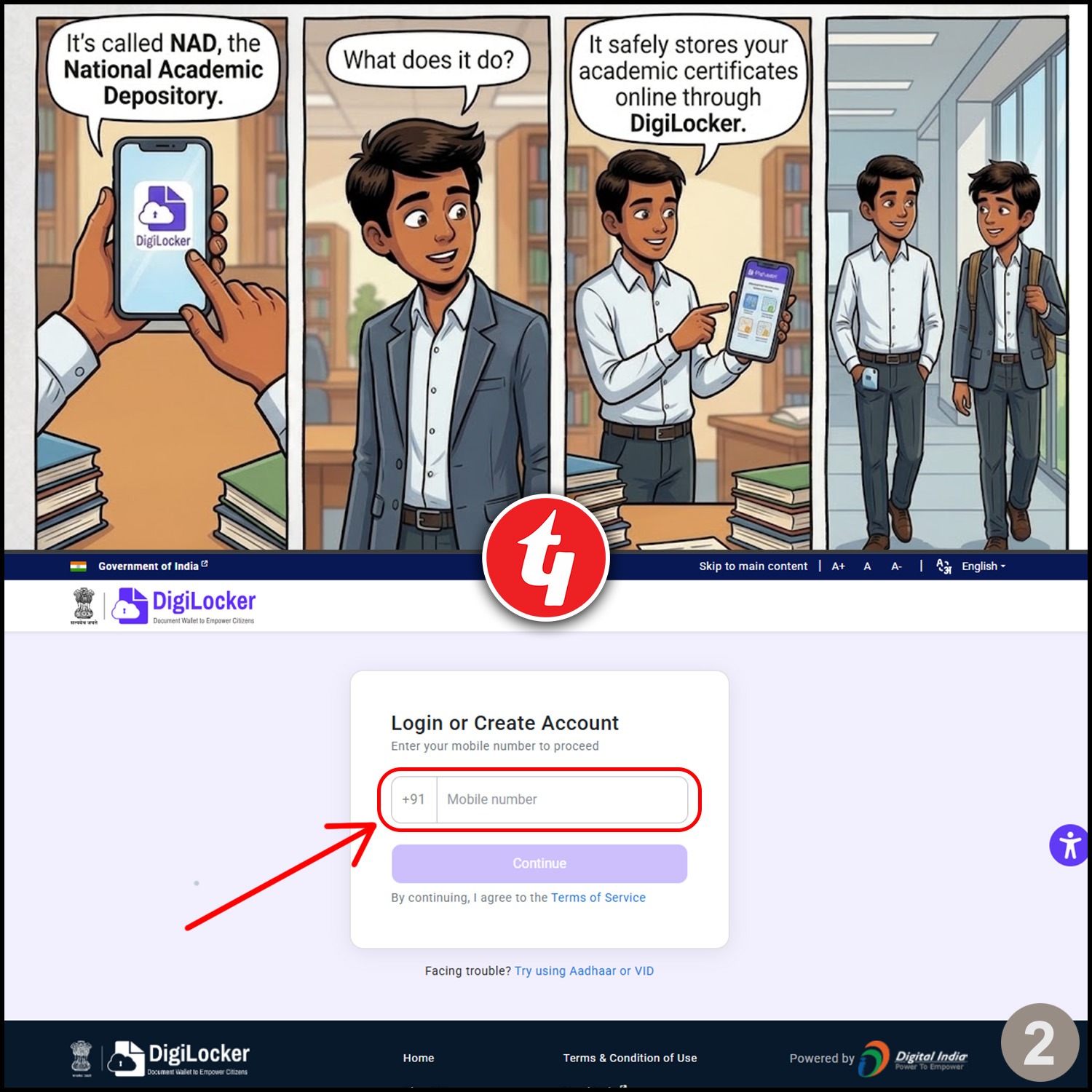
Enter your active mobile number and continue to create your DigiLocker account securely.
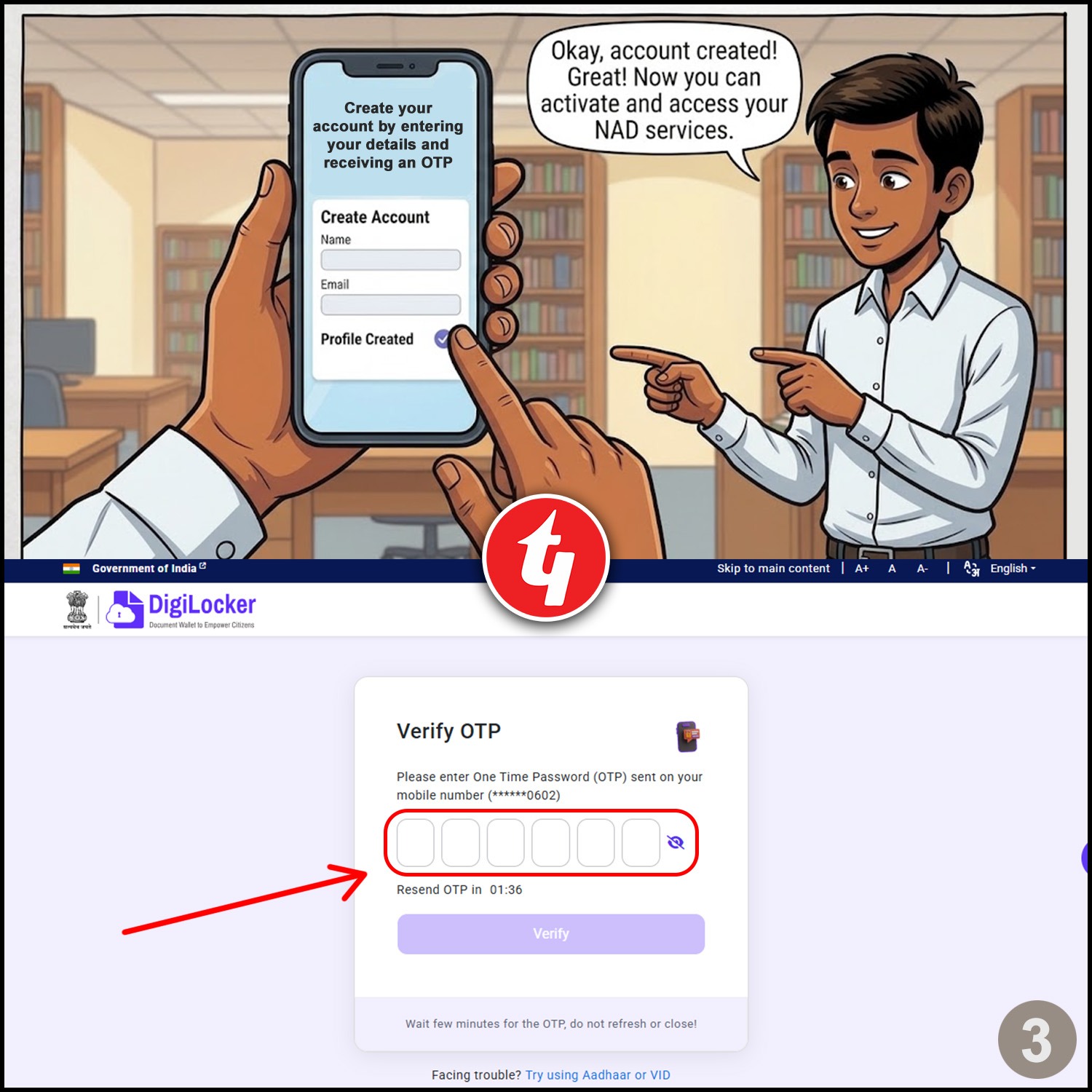
Enter the OTP received on your registered mobile number to verify your account successfully.
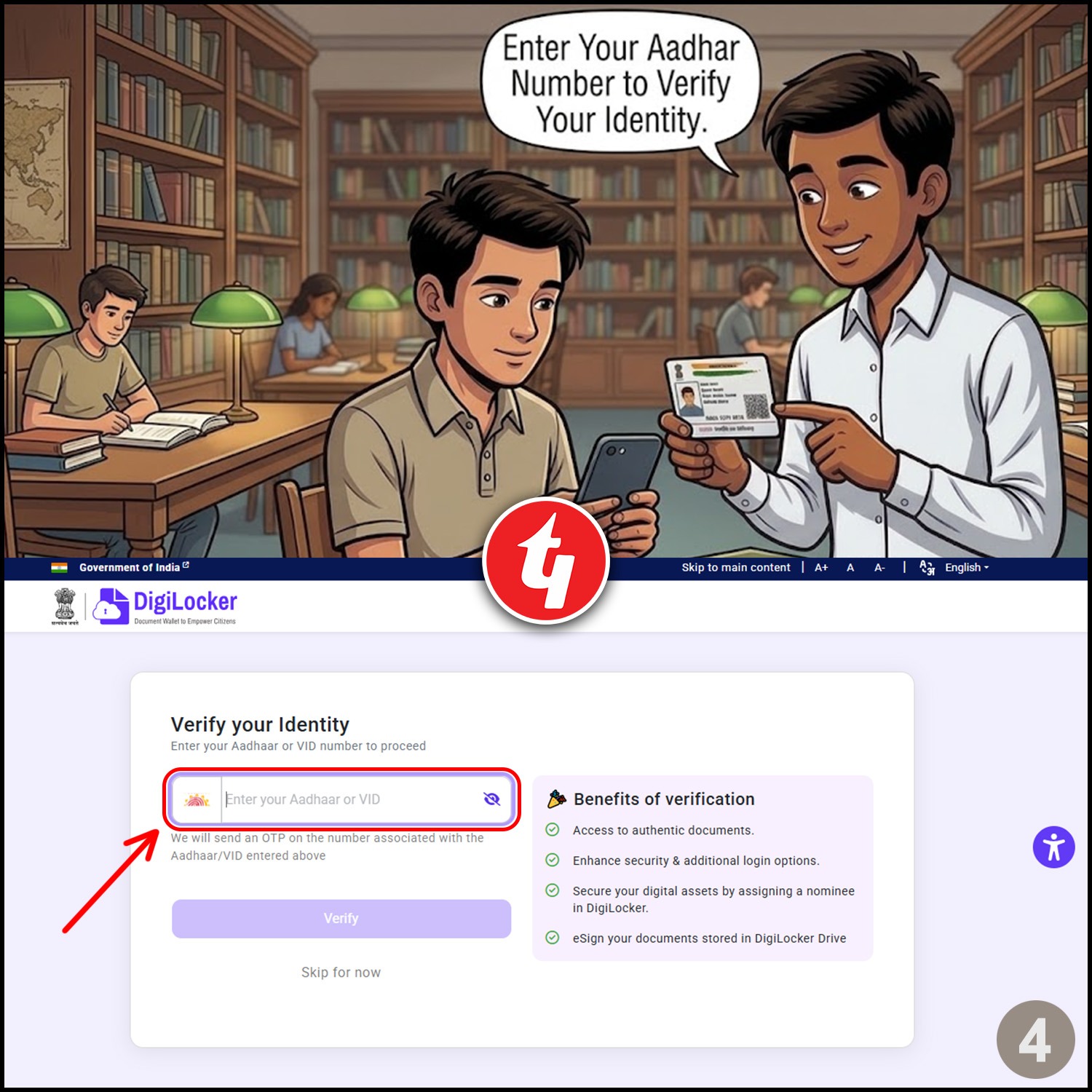
Enter your Aadhaar number and complete identity verification to activate your NAD services.
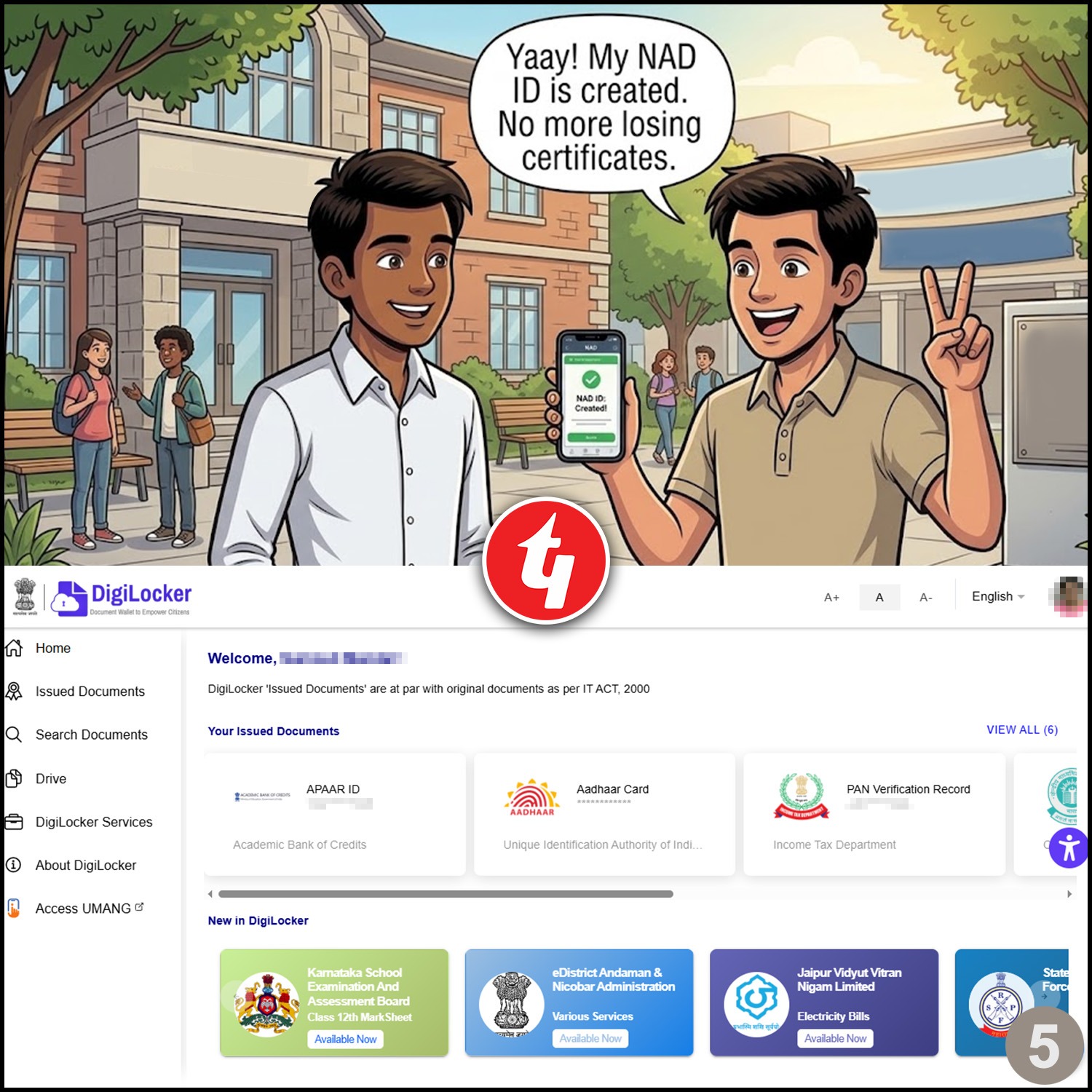
Your NAD ID will be generated successfully and your academic certificates can now be stored digitally.